


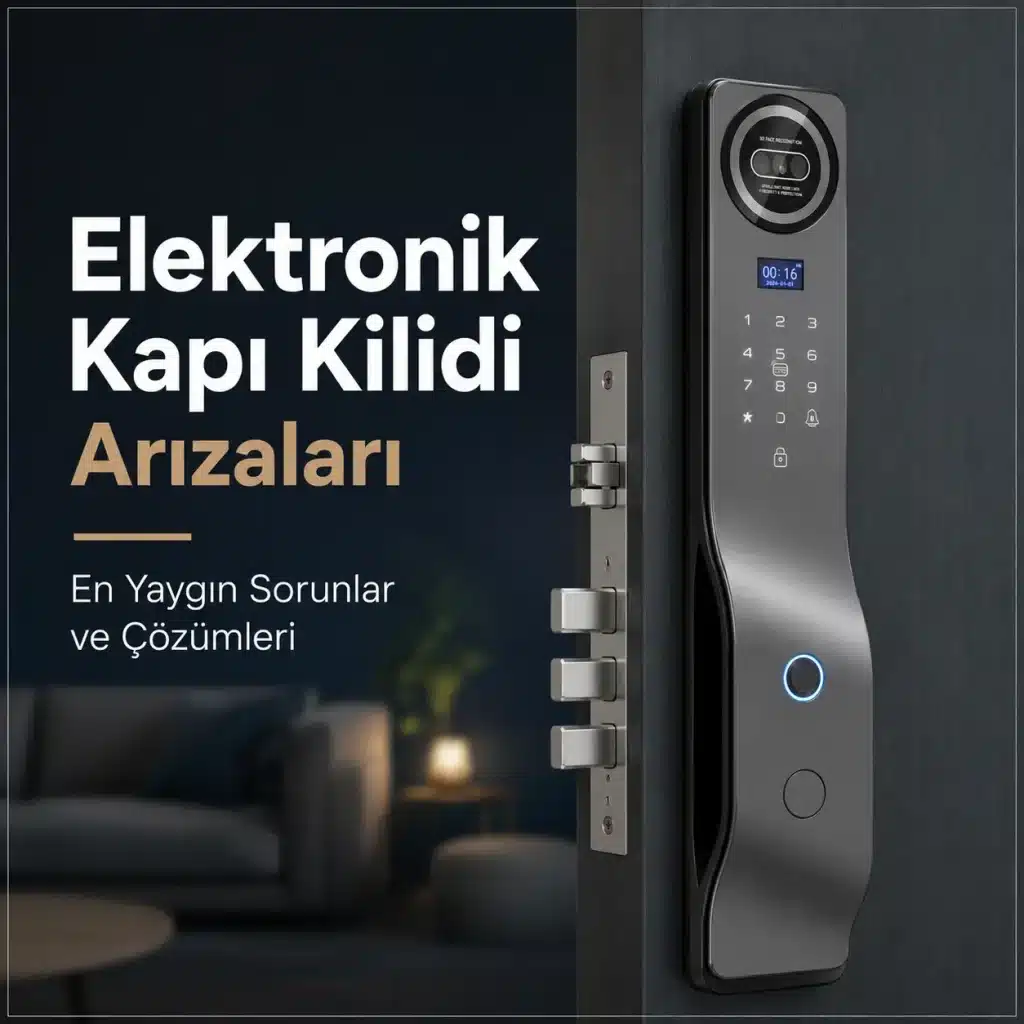
Electronic door lock malfunctions are often not as serious as users might think. Causes such as low battery levels, dirty sensors, connection issues, or incorrect user settings are the root causes of many malfunctions. Accurately identifying the source of the problem is the first step toward a quick solution.
As with any electronic device, smart locks may occasionally experience some issues. Among the most frequently searched topics online are issues such as “smart lock not working,” “fingerprint not being recognized,” “resetting an electronic lock,” “password not accepted,” and “smart lock displaying an error.”
So, what should you do in these situations? Let’s take a look together at the most common problems encountered with electronic door locks and possible solutions.
Smart Lock Not Working Issue
One of the most common problems users encounter is when the smart lock doesn’t respond at all or appears to be malfunctioning. In such a situation, you should perform some basic checks before assuming the device is broken.
In many cases, the problem is caused by a low battery level. Since smart locks are typically battery-powered, low battery levels can affect the device’s performance or cause the system to shut down completely. Therefore, it is recommended to first check the battery level and, if necessary, replace or recharge the batteries.
In some cases, however, a software error or a temporary system freeze may occur. In such cases, restarting the device or performing the reset procedure recommended by the manufacturer may resolve the issue.
Fingerprint Reader Does Not Recognize Fingerprint
Fingerprint readers are one of the most commonly used features of smart locks. However, users may occasionally find that their fingerprints are not being recognized or that the system does not recognize a registered user.
One of the most common causes of this issue is a dirty sensor surface. During daily use, oil, dust, or moisture can accumulate on the sensor. Wiping the sensor with a clean, dry cloth often improves its performance.
Sores, dryness, or deformities on a finger can also affect reading performance. For this reason, it is recommended to enroll more than one fingerprint in the system, if possible. In particular, enrolling both the thumb and the index finger enhances access security and ease of use.
It Won't Accept the Password
Another problem that electronic lock users sometimes encounter is that the system does not accept a passcode they are certain is correct.
In this case, you should first check whether the keypad is working properly. On some models, the system may temporarily lock out after a certain number of incorrect entries for security reasons. This protection mechanism is designed to prevent unauthorized access attempts.
If the problem persists, you may need to review your user settings or create a new password using an administrator account.
The Mobile App Won't Connect
Connection issues may occasionally occur with Wi-Fi or Bluetooth-enabled smart locks. When users are unable to access the door through the app, they may assume the device is malfunctioning. However, in many cases, the problem stems from the internet connection or the phone’s settings.
The first steps are to make sure your phone's Bluetooth is turned on, use the latest version of the app, and check your internet connection. Additionally, you may need to re-pair the app after certain updates.
Most connection issues can be resolved after a few minutes of troubleshooting.
How Do You Reset an Electronic Lock?
One of the most common troubleshooting methods for smart locks is resetting the device to factory settings. Resetting is often the preferred option, especially when there are errors in user settings, connection issues, or when administrator credentials need to be updated.
However, the reset procedure varies by brand and model. Therefore, it is important to review the product’s user manual before proceeding. Incorrectly performed reset procedures may result in the deletion of existing user records.
Generally, fingerprint records, card registrations, and user passwords must be re-entered after a reset.
The Lock Mechanism Is Making Noise or Is Sticking
Some users may notice unusual noises coming from the electronic lock mechanism or find that the door is difficult to open or close. This does not always indicate an electronic malfunction.
Over time, the door panel may sag, the strike plate may become misaligned, or mechanical issues arising during installation may affect the lock’s normal operation. If the motor mechanism is constantly under strain, it is recommended to seek professional service.
Regular inspection of mechanical parts is important for both safety and product lifespan.
How Can You Prevent Smart Lock Malfunctions?
A significant portion of the problems encountered with electronic door locks can be prevented through regular maintenance and proper use. Monitoring battery levels, keeping sensors clean, installing software updates, and regularly checking user records ensure that the system operates more efficiently.
In addition, choosing products manufactured by reputable brands that offer technical support helps ensure that any potential issues are resolved more quickly.
Most electronic door lock malfunctions are caused by simple issues that users can resolve on their own. However, in cases of problems with mechanical parts or recurring malfunctions, seeking professional technical support is important for both security and the product’s lifespan.
Conclusion
Most problems with smart door locks are not caused by serious malfunctions, but rather by issues with the battery, connection, sensors, or user settings. Therefore, in cases such as “the smart lock isn’t working” or “it isn’t reading my fingerprint,” it is recommended to perform basic checks first.
Thanks to proper installation, regular maintenance, and a high-quality electronic lock system, users can enjoy a safe and trouble-free experience for many years to come.
If you would like to learn more about smart lock systems or request technical support for any issues you are experiencing, You can contact Onloi's team of experts. We would be happy to help you determine the solution that best suits your needs.


