


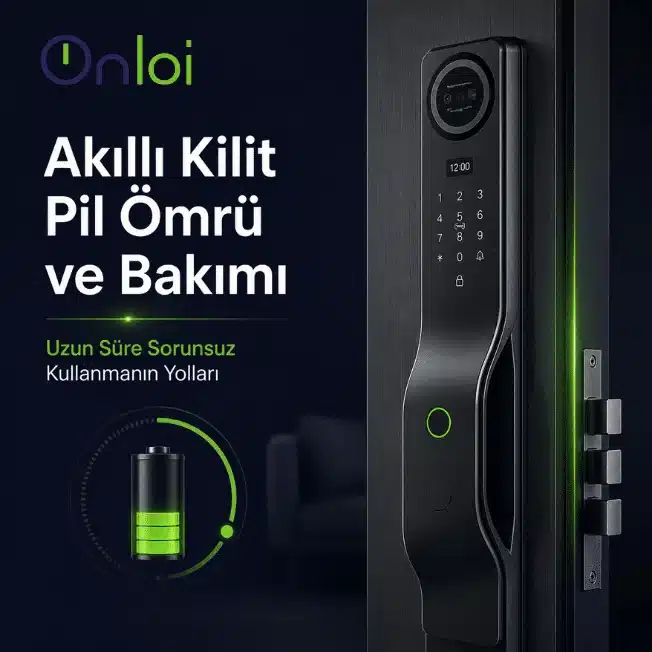
Smart lock systems have become rapidly widespread in both homes and offices in recent years. Remote access, fingerprint login, mobile app control and advanced security features make the user experience significantly easier. However, after a certain period of time, a significant portion of users encounter questions such as "why does the smart lock battery life run short?", "how to solve electronic lock malfunction?" or "why doesn't the smart lock work?".
In fact, most smart lock problems occur without regular maintenance or proper battery management. With the right usage habits, it is possible to extend battery life and use the electronic door lock system for years without any problems.
What is the Average Battery Life of Smart Locks?
Most smart door locks in use today offer an average battery performance of 6 to 12 months. However, this depends directly on the intensity of use. Doors that are opened and closed very frequently during the day naturally consume the battery faster. Especially in offices, short-term rental apartments and businesses with intensive entry and exit, the battery replacement period may be shorter.
One of the most important details affecting battery life is the mechanical structure of the door. If the door is difficult to close or the lock tongue moves by friction, the motor consumes more power. This leads to much faster battery drain than users think. Although many users pay attention to the quality of the battery, the problem is often caused by the door alignment.
Energy consumption in Wi-Fi connected electronic lock models is higher than in Bluetooth connected models. Because the system constantly tries to maintain the network connection. Therefore, choosing the appropriate connection type for the usage scenario is important for battery performance.
How to Extend Smart Lock Battery Life?
The most effective way to extend smart lock battery life is to use good quality batteries. Poor quality or old batteries can cause voltage fluctuations. This not only affects battery endurance but also increases the risk of electronic lock failure. Especially alkaline or manufacturer-recommended premium batteries provide more stable performance.
Another important issue is not to delay low battery warnings. Most users delay battery replacement because the device continues to work. However, low voltage can lead to slow fingerprint sensor operation, mobile app connection problems and automatic locking errors. In some cases, the door may be completely inaccessible.
Regularly checking the mechanical structure of the door also has a significant impact on battery performance. If the door closes easily and the lock turns without difficulty, the motor consumes less energy. This small detail can significantly increase battery life in the long run.
Most Common Smart Lock Problems
One of the most common problems experienced by smart lock users is that the system does not open the door. The main reason for this is often dying batteries or connection problems. In some cases, the problem may be purely mechanical. Even small shifts in the door frame can cause the motor to strain.
The fingerprint sensor not working is also a common problem, but the cause of this problem is often not the device; dirt, moisture or oil layer accumulated on the sensor surface can reduce the reading performance caused by the user. When sensor cleaning is neglected, especially in heavily used doors, the detection time is prolonged and the user experience worsens.
Mobile app connectivity problems are also among the issues that users frequently investigate. Phone permissions, Bluetooth access, modem signal or app updates are the main sources of such problems. Most of the time, updating the app or reestablishing the connection solves the problem.
Why is Smart Lock Maintenance Important?
Since electronic lock systems have a more advanced structure than conventional locks, maintenance is recommended at certain intervals. However, this maintenance is not as difficult as it seems. Thanks to simple controls, the life of the device can be significantly extended.
In particular, keeping the sensor surface clean, checking the battery compartment and regularly inspecting the door alignment will ensure more stable operation of the system. In addition, performing software updates on models that are eligible for updates can both reduce security vulnerabilities and improve performance.
Smart locks that are not maintained can develop the following problems over time:
- Fast battery drain
- Fingerprint detection issues
- Automatic locking failures
- Mobile app connection problems
- Electronic failures due to engine strain
Regular maintenance is therefore not only important for device lifetime, but also for safety.
How to Prevent Electronic Lock Failures?
Most of the problems with smart locks can actually be prevented in advance. Avoiding poor quality batteries, protecting the device from impacts and regularly checking the door mechanism can make a big difference in the long run. In addition, most users focus only on the digital features and neglect the mechanical side. However, an improperly aligned door can cause performance problems even with the best quality smart lock.
The main points to be considered for a long-lasting and trouble-free use are the following:
- Choosing quality batteries
- Not delaying low battery warnings
- Regularly checking the door alignment
- Not neglecting sensor cleaning
- Software updates (if available)
With the right usage habits, smart door lock systems can operate safely and stably for many years. Especially in devices with regular maintenance, both battery life is extended and smart lock problems experienced by users are minimized.
Smart lock Regular maintenance is as important as choosing the right product for long-lasting and safe use. If you are looking for high security, modern and durable smart lock solutions for your home or workplace, you can review ONLOI smart lock models and discover the system that suits your needs. For more information and product details ONLOI official website You can visit the address.


